
📝 How to Troubleshoot Slow Internet (Step-by-Step Guide)

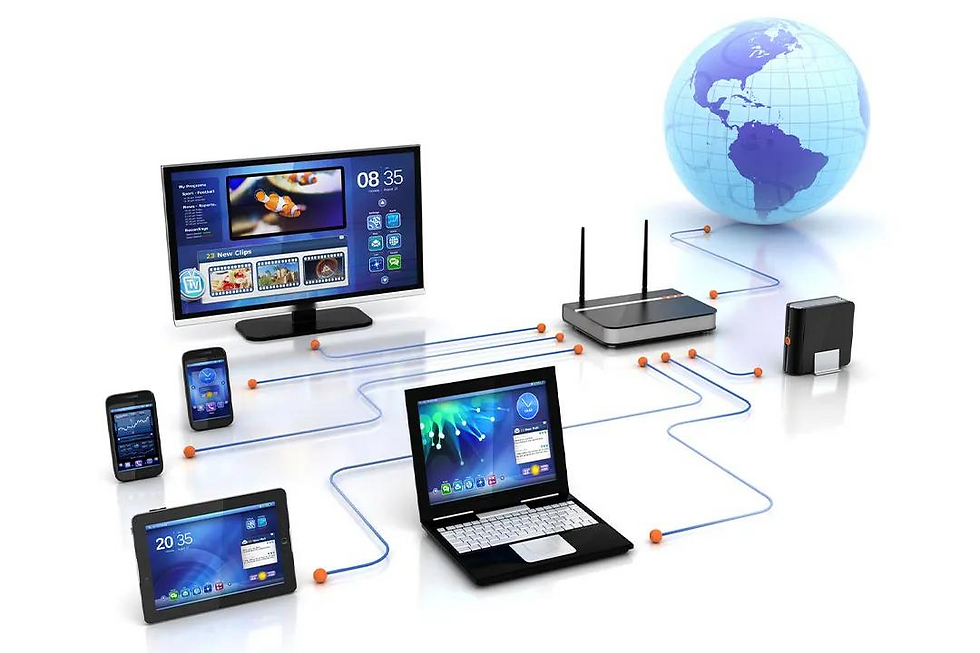
🚫 Experiencing Slow Internet?
Buffering videos, lagging games, and unstable video calls can be frustrating, especially if you rely on the internet for work, school, or entertainment.
The good news? Most slow internet issues can be fixed with a few simple steps.
🔍 1. Check Your Internet Speed
Start by testing your speed using tools like Speedtest.
👉 If your speed is much lower than your plan, there may be an issue with your connection.
📡 2. Restart Your Router
This is the easiest fix but often the most effective.
✔ Turn off your router✔ Wait 30 seconds✔ Turn it back on
This refreshes your connection and clears temporary issues.
📶 3. Move Closer to Your Router
Weak signal = slow internet.
Avoid thick walls or metal objects
Stay within range of your WiFi
Place your router in a central location
📱 4. Limit Connected Devices
Too many devices can slow down your connection.
👉 Try disconnecting unused devices👉 Prioritize devices used for work or streaming
⚙️ 5. Check for Background Apps
Some apps consume bandwidth without you noticing.
Downloads
Software updates
Streaming in the background
Close unnecessary apps to improve speed.
🔄 6. Update Your Router or Equipment
Old routers may not support high-speed internet.
👉 Consider upgrading to a modern router👉 Check if your cables are properly connected
🌐 7. Run a Malware Scan
Viruses and malware can slow down your internet.
✔ Scan your device✔ Remove suspicious programs
📞 8. Contact Your Internet Provider
If nothing works, the issue may be external.
👉 Network congestion👉 Line issues👉 Service interruptions
⚡ When to Upgrade Your Internet
If you constantly experience slow speeds despite troubleshooting, it may be time to upgrade to a faster and more reliable connection.
💬 Need Faster, More Reliable Internet?
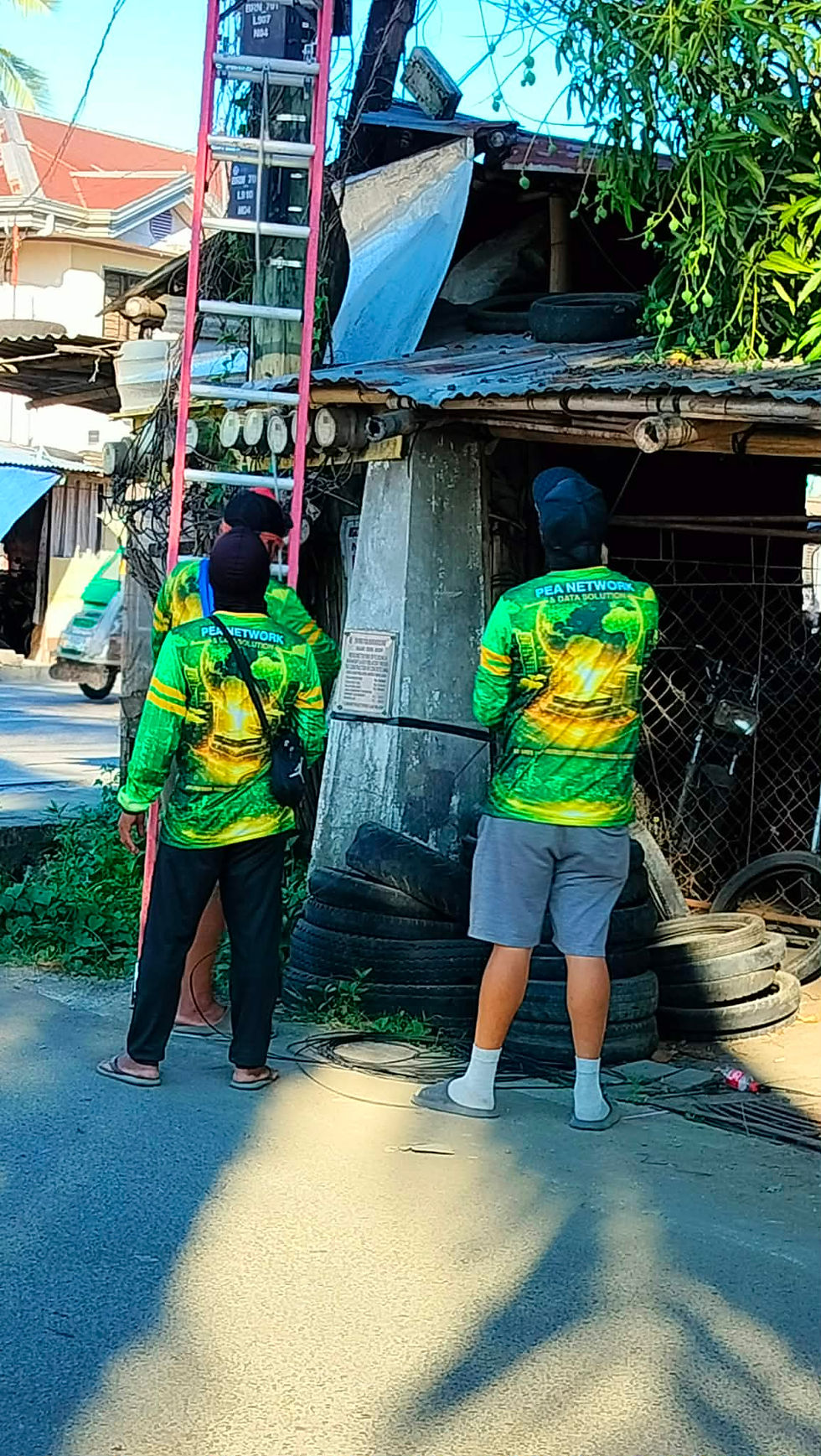
If you're in Barotac Nuevo, Iloilo and tired of slow internet, we can help.
We offer fast and stable fiber internet installation designed for streaming, gaming, and work-from-home needs.
👉 Message us today to check availability in your area and get connected!
Comments